Notes, next to the course they’re for.
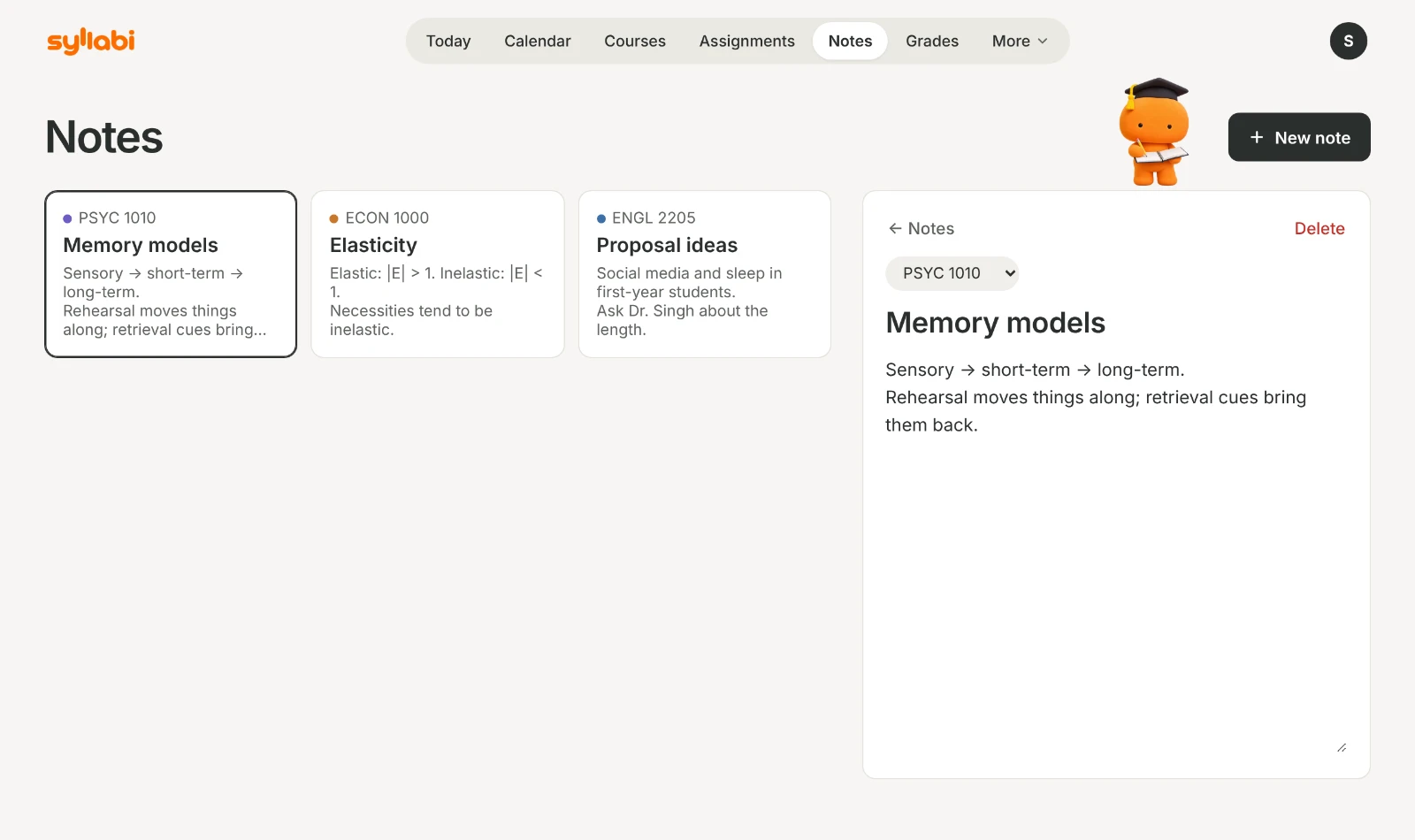
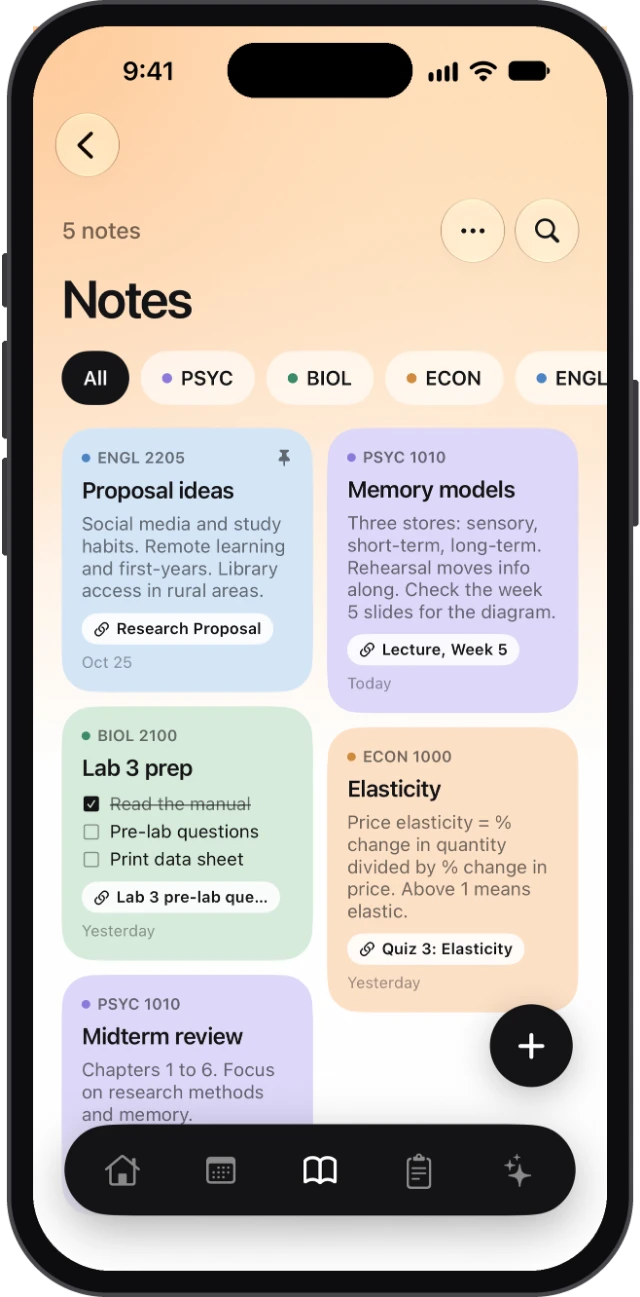
Type them, write them by hand or write on the lecture slides. Each note belongs to a course, can link to the assignment it’s for, and comes with you to every screen.
Typed and handwritten
Type it, or write it by hand.
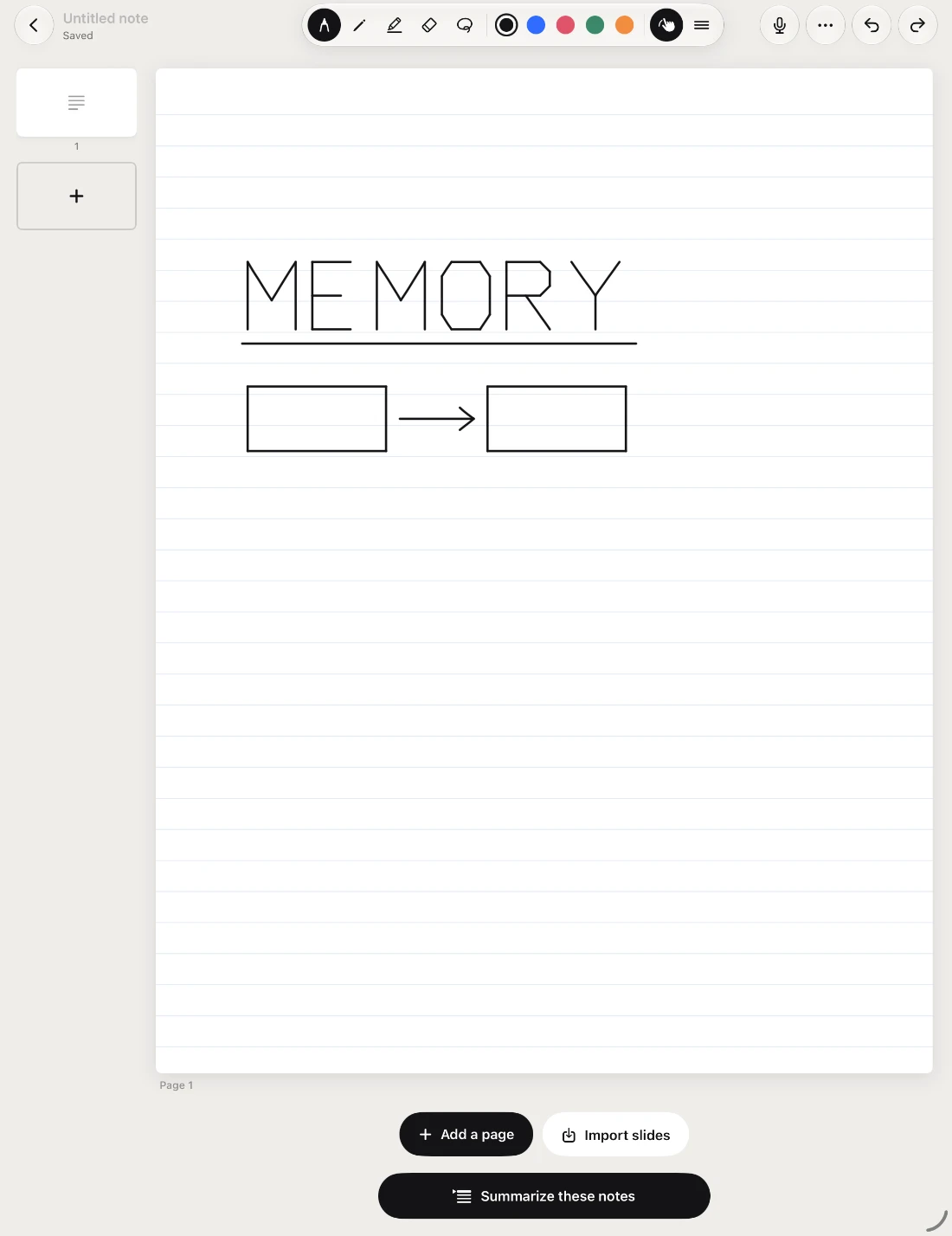
Type a note on any device. On iPhone and iPad, write by hand with Apple Pencil or your finger, in colour, on blank, lined, grid or dotted paper, or on the study template.
Add pages as you go. Every page is saved as you write.
Slides
Write on the lecture slides.
Import slides as a PDF or as pictures. Each slide becomes a page with lined space under it for your notes. Slides from PowerPoint or Keynote need saving as a PDF first.
Lecture recording · Pro
Record the lecture as you write.
Syllabi records the audio and writes a live transcript on your device, saved with the note. Later, tap your handwriting to hear what was being said when you wrote it.
Summaries
Summarize a note in one tap.
At the end of a note, Summarize these notes turns your typed text or handwriting into a short summary, saved as a new note. 10 summaries every 2 weeks on Free, 20 a day with Pro.
Search
Find it again, even in your handwriting.
Search looks through typed notes and the words in your handwritten pages, read on your device.
Recently deleted and versions · Pro
Get an earlier version back.
Deleted notes wait 30 days before they’re gone. Each note keeps its last 20 versions. You can also save every note, handwriting and slides included, to one backup file you keep.
Sync
Your notes, on every screen.
Signed in, your notes match on iPhone, iPad and the web. On the web you can type and read notes; handwritten pages show there once your iPad has synced them, and you change them where you wrote them.